What’s next is on your Lock Screen
Dayscape is an iPhone trip planner. On the day, it stops being a plan and starts being the one line you need: the next thing, at a glance.
Free to start. Your first trip includes everything.
Lock Screen
A flight gets a Live Activity
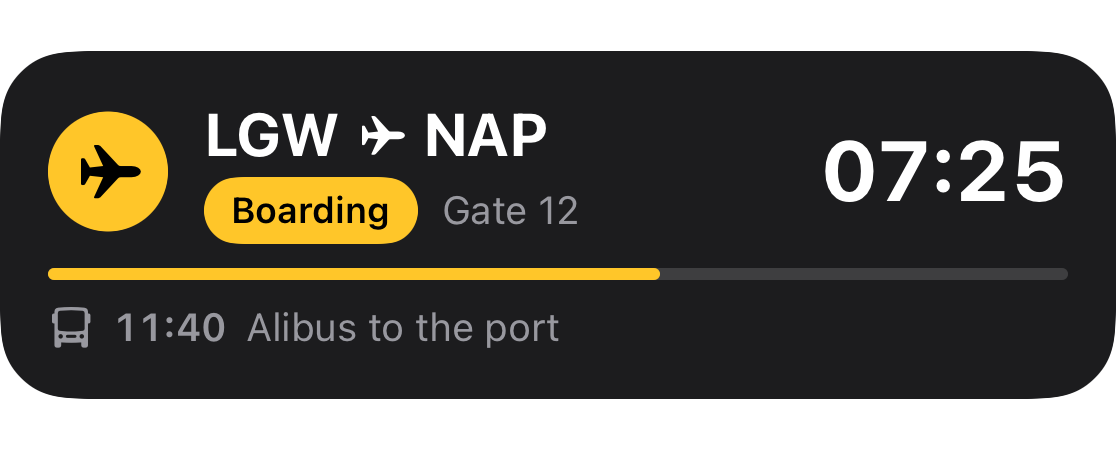
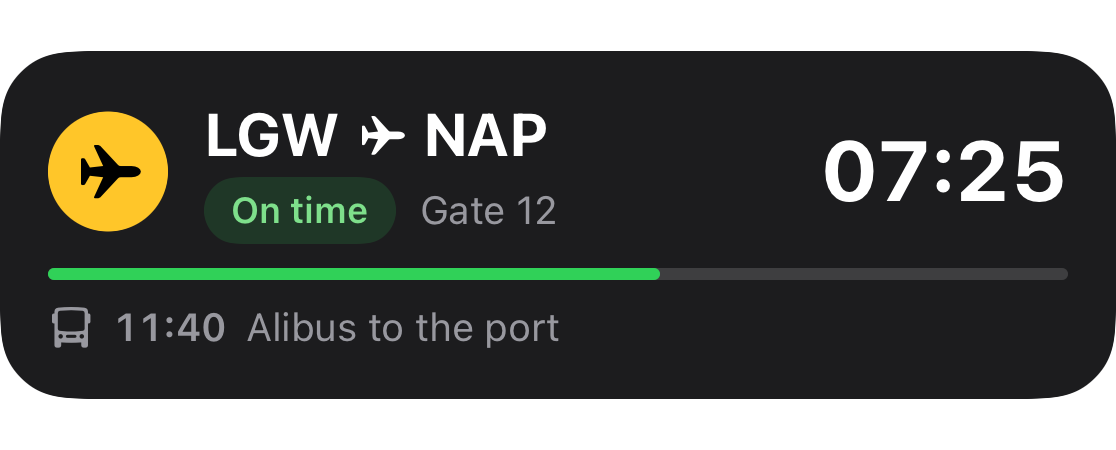
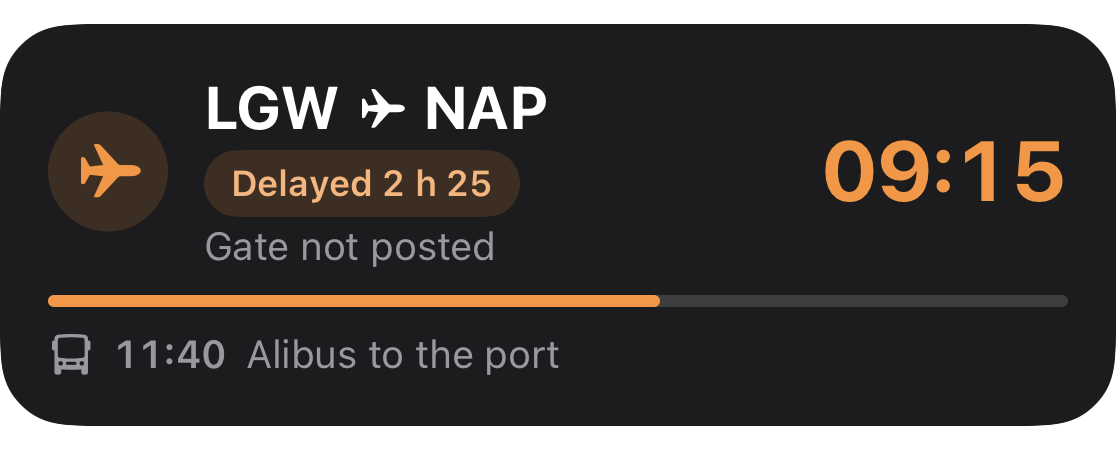
The Live Activity shows the flight and what comes after it, and starts from the app. Status, and gates where the data has them. If a gate isn’t posted, it says “Gate not posted”.
Through the day
Each item takes over from the last
Widgets on your Home Screen and Lock Screen always show the next thing on your trip, whatever it is. They read from the phone, so they work with no signal.


Dynamic Island and widgets
Small until you need the rest
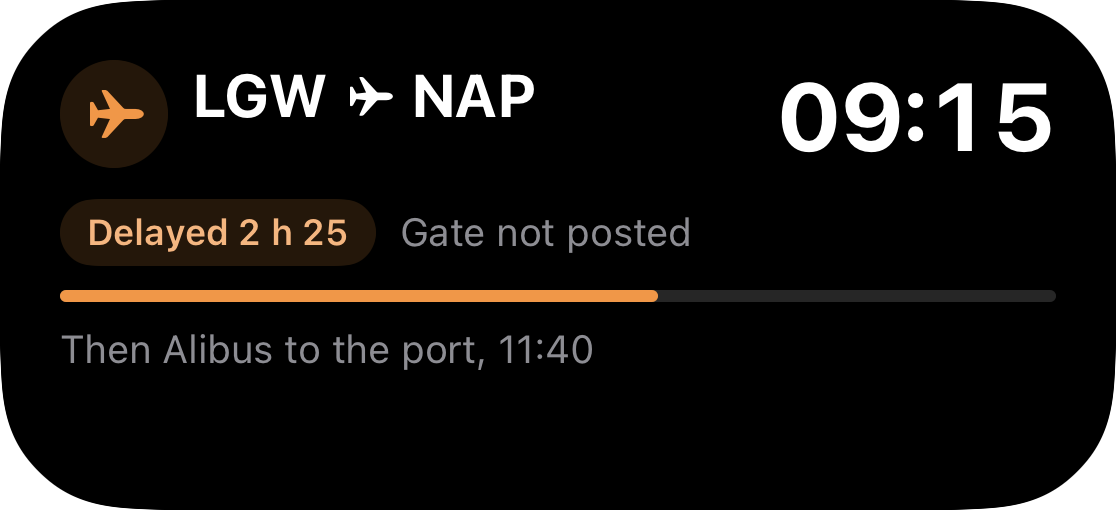
The island shows the glyph and the time. Press it, and you get the flight, gate and landing time. Home Screen widgets come small and medium, and Lock Screen widgets rectangular and inline.

When a flight moves
The new time goes on your trip, and your free time updates
Flight status is in Pro and on your first trip. If BA 2606 slips to 09:15, you land at 13:05 and the app does the rest of the sum: “You now have 70 minutes.”
Flight data comes from a third party and can be wrong. It shows when it was last checked, and “No live data for this flight” when there isn’t any.
Less 45 minutes to get out, before check-in at 15:00
You now have70 minutes
What we leave out
If you live by delay prediction, keep Flighty
It’s better at that. We don’t track the inbound aircraft or read air traffic control advisories. Plenty of people will want both apps: Flighty for the flight, and this for the rest of the trip.
Only flights have status
A train shows the time you booked
We don’t have live data for trains, ferries or anything else, so they read “Booked for 11:40”. A time that isn’t live says so.

Offline
The next thing is still there with no signal
Times, references, addresses and tickets are on your phone. Maps and flight status need signal, and say so: “The map needs signal. Your timeline doesn’t.”
Your first trip includes the Lock Screen, with no card
Leave your email, and we’ll send one message when Dayscape is ready to download.
Free to start. Your first trip includes everything.